You can use either the Webmail interface or an email client to access your email accounts. If you need help configuring email clients, you can visit the step-by-step guides for configuring MS Outlook and Mozilla Thunderbird.
How to access Webmail from Site Tools
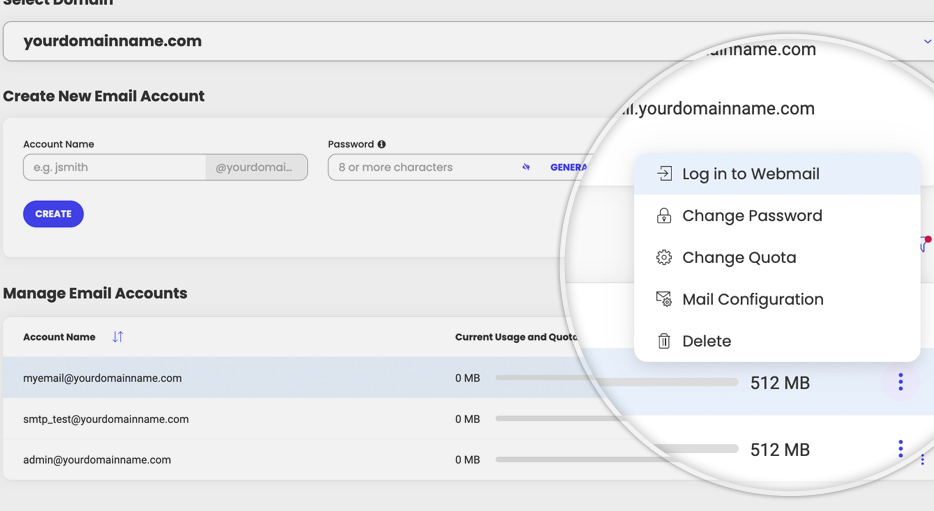
Go to your Site Tools > Email > Accounts, select the preferred email account and go to the kebab menu > Log in to Webmail.
How to access Webmail from your domain
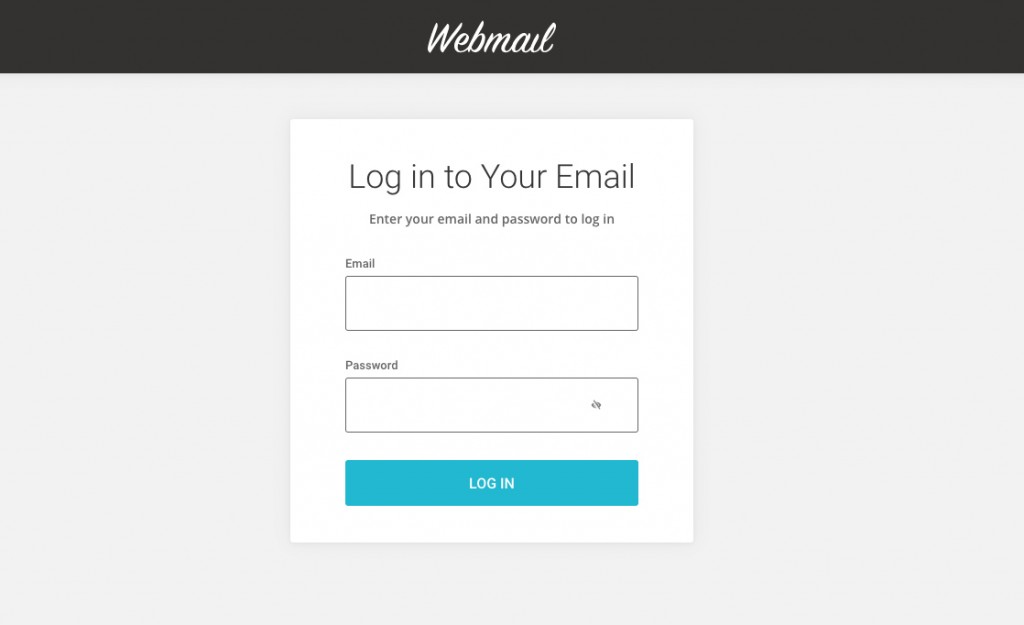
Go to yourdomainname.com/webmail, where yourdomainname.com is your actual domain name. Enter your email address and its password to log in. Note that you should type the email address in the “Email” field in lowercase.
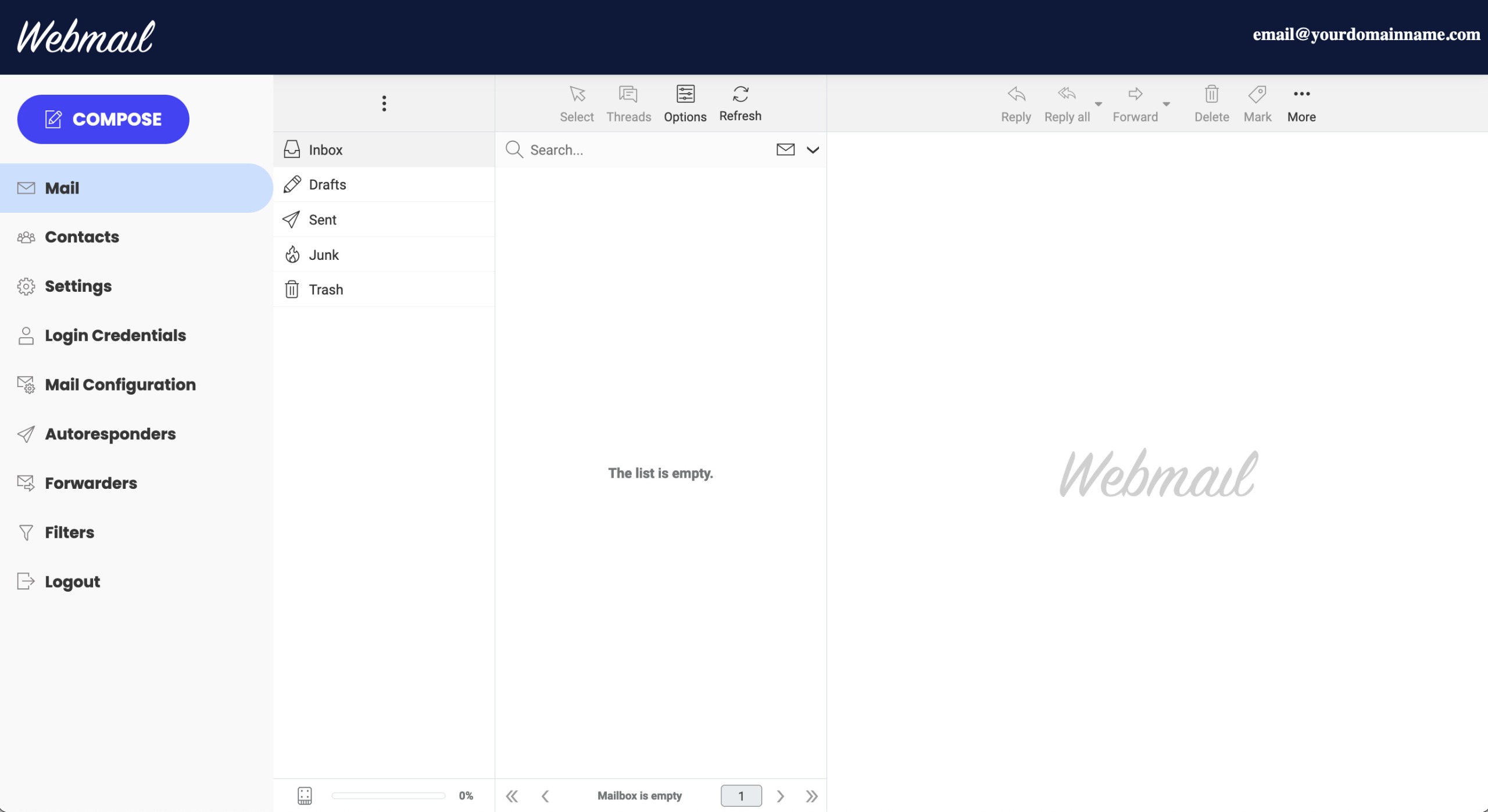
Once logged in, you can check your email, change your password, get email settings, or use the same email tools available in Site Tools, limited to the email account you logged in with. The tools you can access are:
- Contacts
- Settings
- Login Credentials
- Mail Configuration
- Autoresponders
- Email forwarders
- Email filters
Was this article helpful?
That’s Great!
Thank you for your feedback
Sorry! We couldn't be helpful
Thank you for your feedback
Feedback sent
We appreciate your effort and will try to fix the article