To change your email password, go to your Site Tools > Email > Accounts. You will be able to make this update even if you do not remember your current email password. Once in there, choose the email account and go to the kebab menu > Change Password.
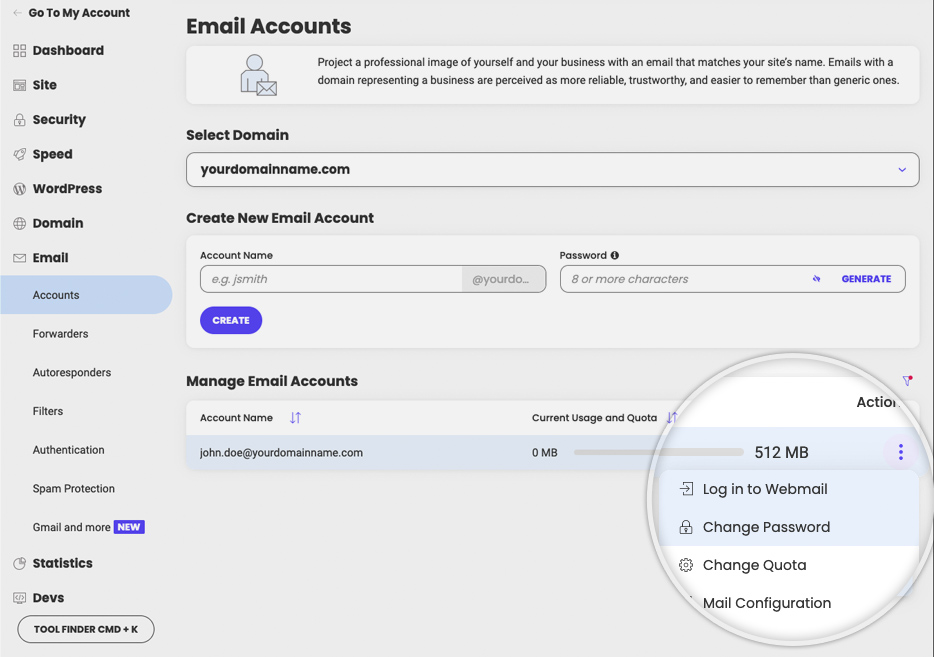
A new pop-up will be opened. Fill in the new password and click on Confirm to save it.
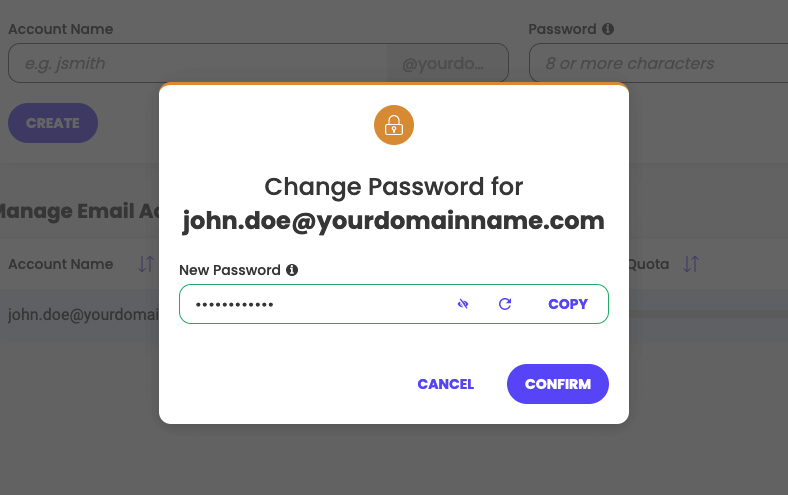
That’s it! The password for the email account has been changed and you can use the new one to log in.
Was this article helpful?
That’s Great!
Thank you for your feedback
Sorry! We couldn't be helpful
Thank you for your feedback
Feedback sent
We appreciate your effort and will try to fix the article