A “Fatal Error – Site Down” message usually means something in your WordPress environment has broken unexpectedly.
This can be caused by a bad plugin update, a theme conflict, corrupted files, incompatible PHP versions, or custom code errors. It can also happen if your hosting server runs out of resources or if a required file was accidentally deleted or modified. In most cases, the site is reacting to a conflict or malfunction that stops WordPress from loading properly.
Go over the list of troubleshooting options below to works towards a solution.
Fatal Error / Site Down – Troubleshooting Questions
1. Basic Access & Error Details
Are you able to access the WordPress admin dashboard, or is that also down?
Did you see the exact error message on the screen? If so, what does it say?
When did the error first appear? (Exact time if possible.)
Have you made any changes to the website within the last 24 hours?
2. Recent Website Changes
Did you install, update, or delete any plugins recently?
Did you update your theme or switch themes?
Did you update WordPress core or PHP settings?
Did you or anyone on your team add custom code (snippets, functions.php edits, custom CSS/JS, etc.)?
3. Hosting & Server Environment
Who is your hosting provider?
Have you recently upgraded or downgraded your hosting plan?
Did you receive any emails from your host about server updates, resource limits, or PHP errors?
Do you know which PHP version your site is currently running?
4. Login & Security
Are you experiencing any login attempts, lockouts, or security notifications (Wordfence, iThemes, Sucuri, etc.)?
Have you recently changed any passwords or user roles?
Has anyone else had access to the site recently (developers, editors, agencies, freelancers)?
5. Plugin & Theme Functionality
If you disable all plugins via the hosting file manager or control panel, does the site come back online?
If you switch to a default theme (Twenty Twenty-X), does anything change?
Do you know which plugin was most recently updated?
6. Backup & Restore
Do you have a recent backup available (SiteGround, GoDaddy, Updraft, Jetpack, etc.)?
If so, when was your latest successful backup?
Have you restored from a backup before, or would you like us to handle that?
7. Domain & DNS
Has your domain expired or been recently renewed?
Have there been any DNS changes within the last 48 hours?
Are you using Cloudflare or any CDN that might be showing an error screen?
8. Screenshots & Access
Can you provide a screenshot of the error message or error screen you’re seeing?
Is the fatal error visible on all devices and browsers or just one?
What is the URL of the affected page?
9. Additional Information
Do you recall completing any automatic updates prior to the error?
Have you added any new integrations (API connections, payment gateways, booking apps, etc.)?
Did you recently delete any important files or folders in your hosting file manager?
If you have not already, open a ticket with our team.
EXAMPLE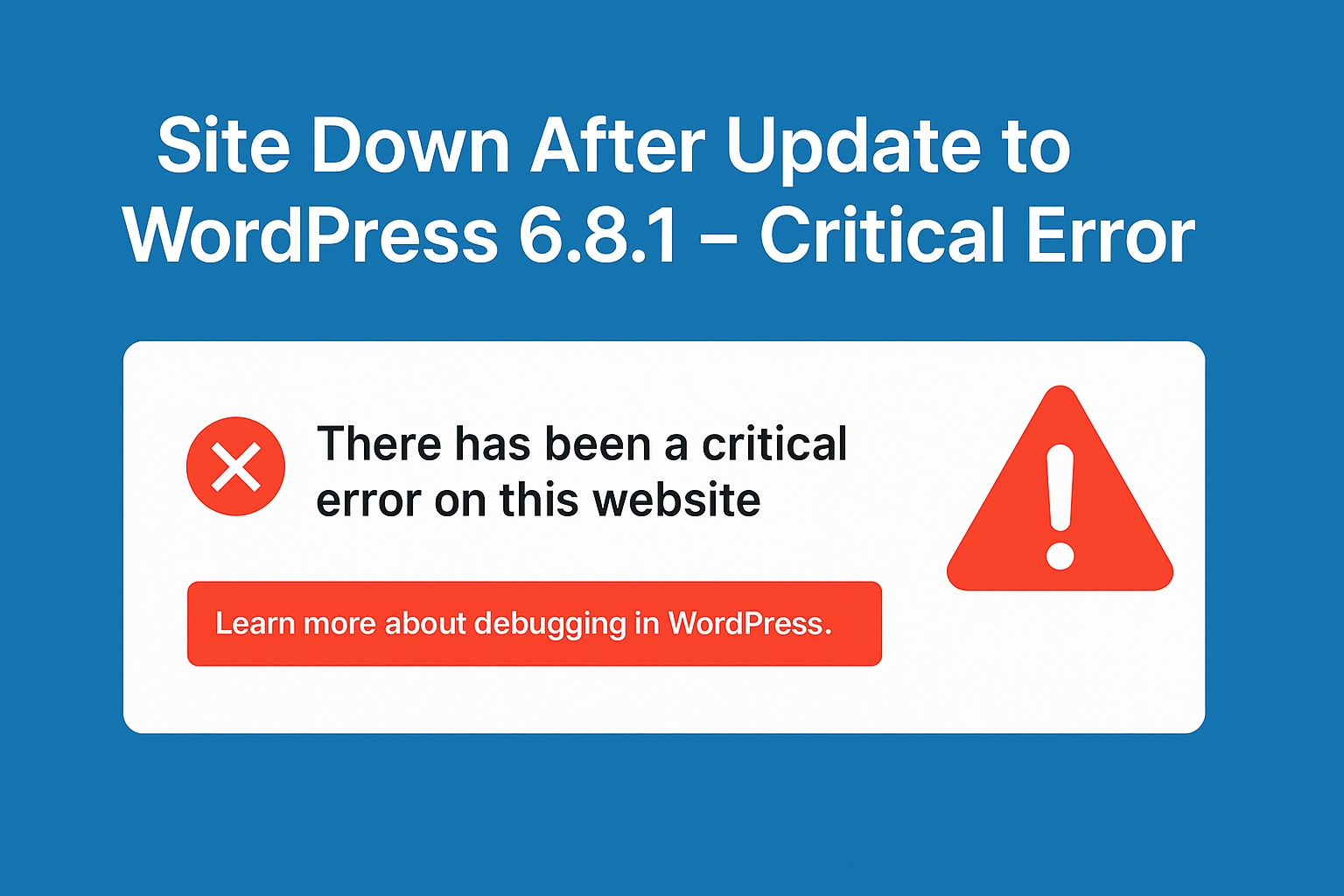
Was this article helpful?
That’s Great!
Thank you for your feedback
Sorry! We couldn't be helpful
Thank you for your feedback
Feedback sent
We appreciate your effort and will try to fix the article