Disabling all WordPress plugins can be useful when you have problems with your WordPress installation, such as not being able to log in to the admin dashboard, or having blank pages on the website.
To disable all plugins for your WordPress website go to Site Tools -> WordPress -> Install & Manage -> click on the Actions menu next to the desired application -> Disable all plugins.
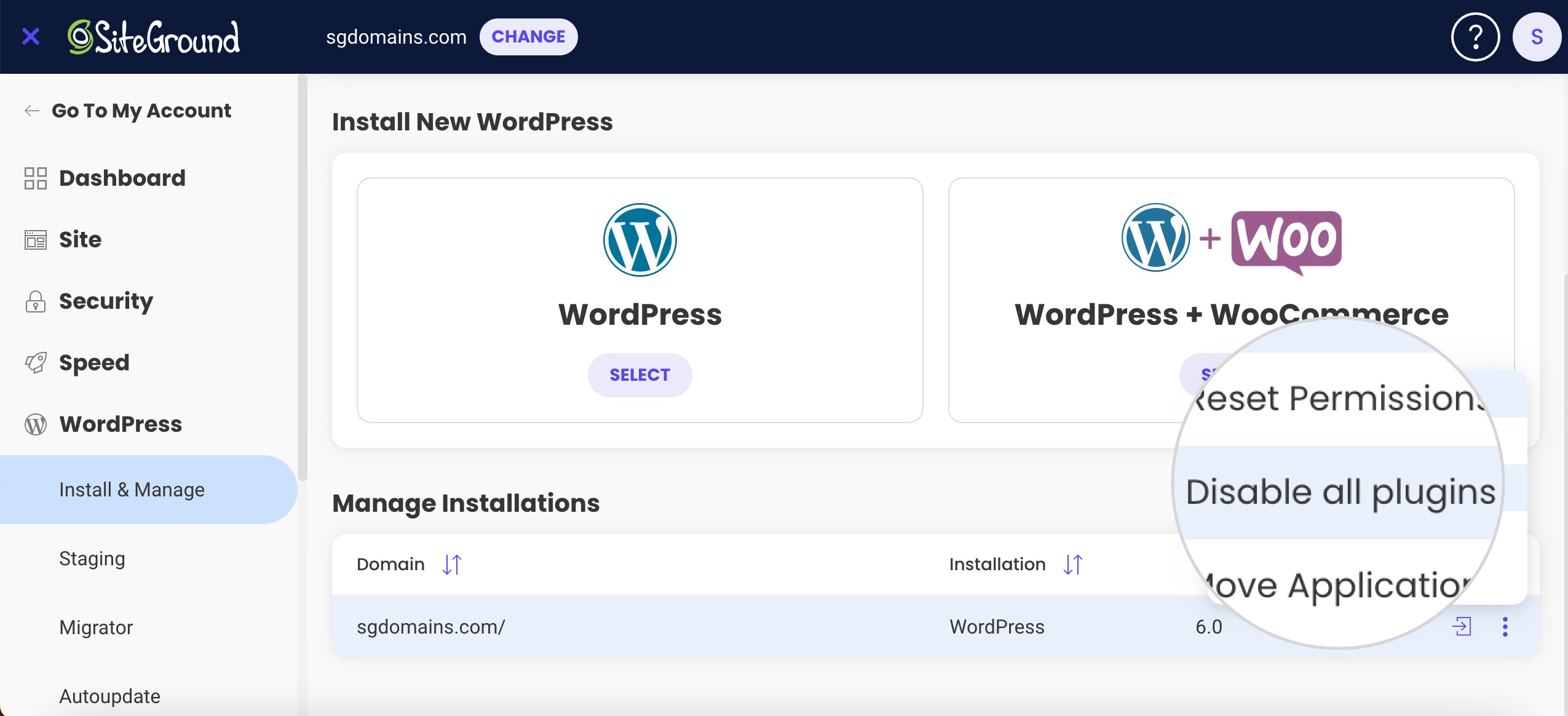
This will disable all active plugins on your WordPress. You can activate the desired plugins from your WordPress wp-admin panel at any time.
Was this article helpful?
That’s Great!
Thank you for your feedback
Sorry! We couldn't be helpful
Thank you for your feedback
Feedback sent
We appreciate your effort and will try to fix the article