To get started, create your client account on our website to manage your services, billing, and access points.
Create Your Brandology Pros Account
Set up your Brandology Pros user account to easily manage all your services in one place. With your account, you can access and update billing information, review and manage active services, view purchase history, and stay connected with important updates from our team.
Your Brandology Pros account gives you full control and visibility over your brand’s digital services — from hosting and domains to design, development, and support.
Instructions
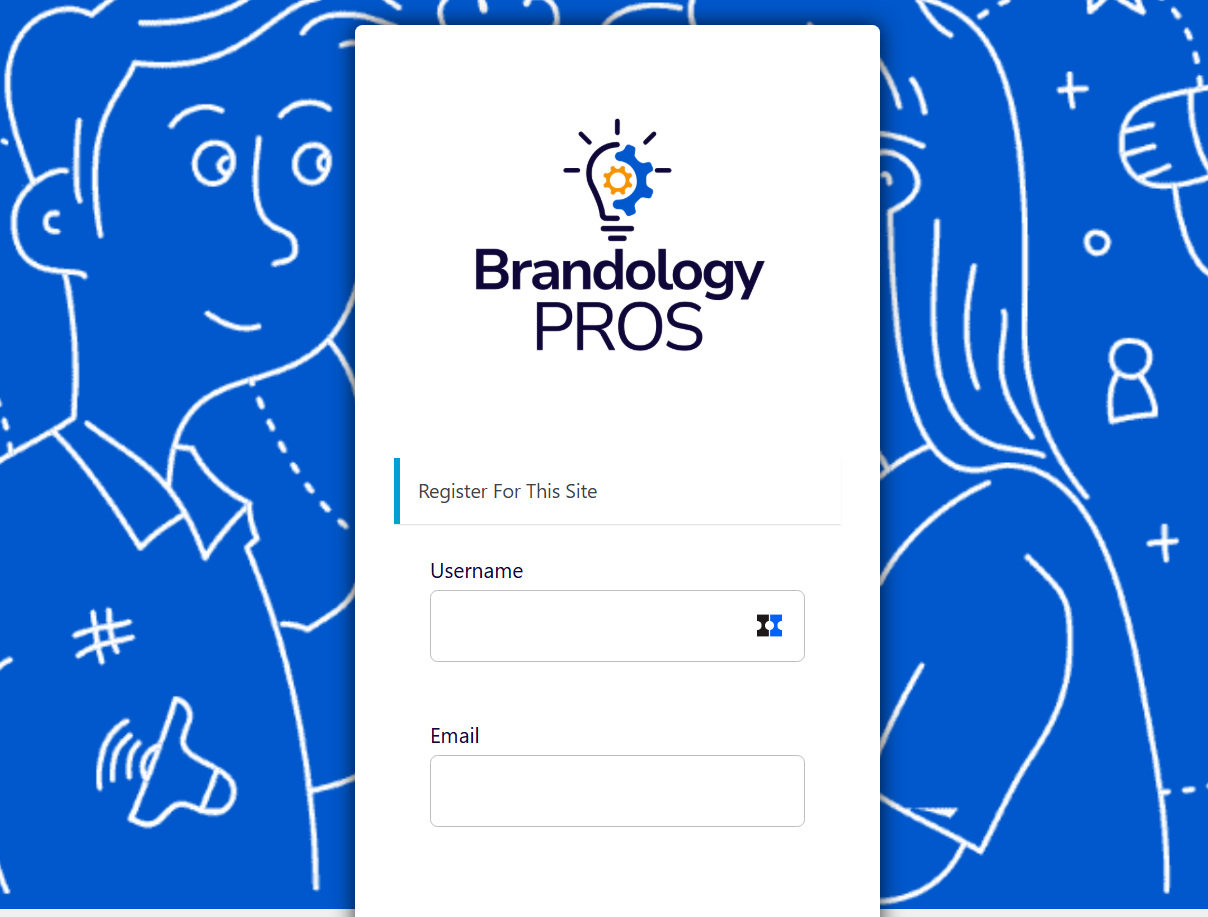
- Visit Brandology Pros user registration to create your account.
- Choose a username. (usernames cannot be changed)
- Enter the email address you want to use to manage your account and services.
- Check your email to confirm your account.
- Click the verification link to authenticate your account.
- Enter a password when prompted.
- Return to the user login to access your account.
Was this article helpful?
That’s Great!
Thank you for your feedback
Sorry! We couldn't be helpful
Thank you for your feedback
Feedback sent
We appreciate your effort and will try to fix the article